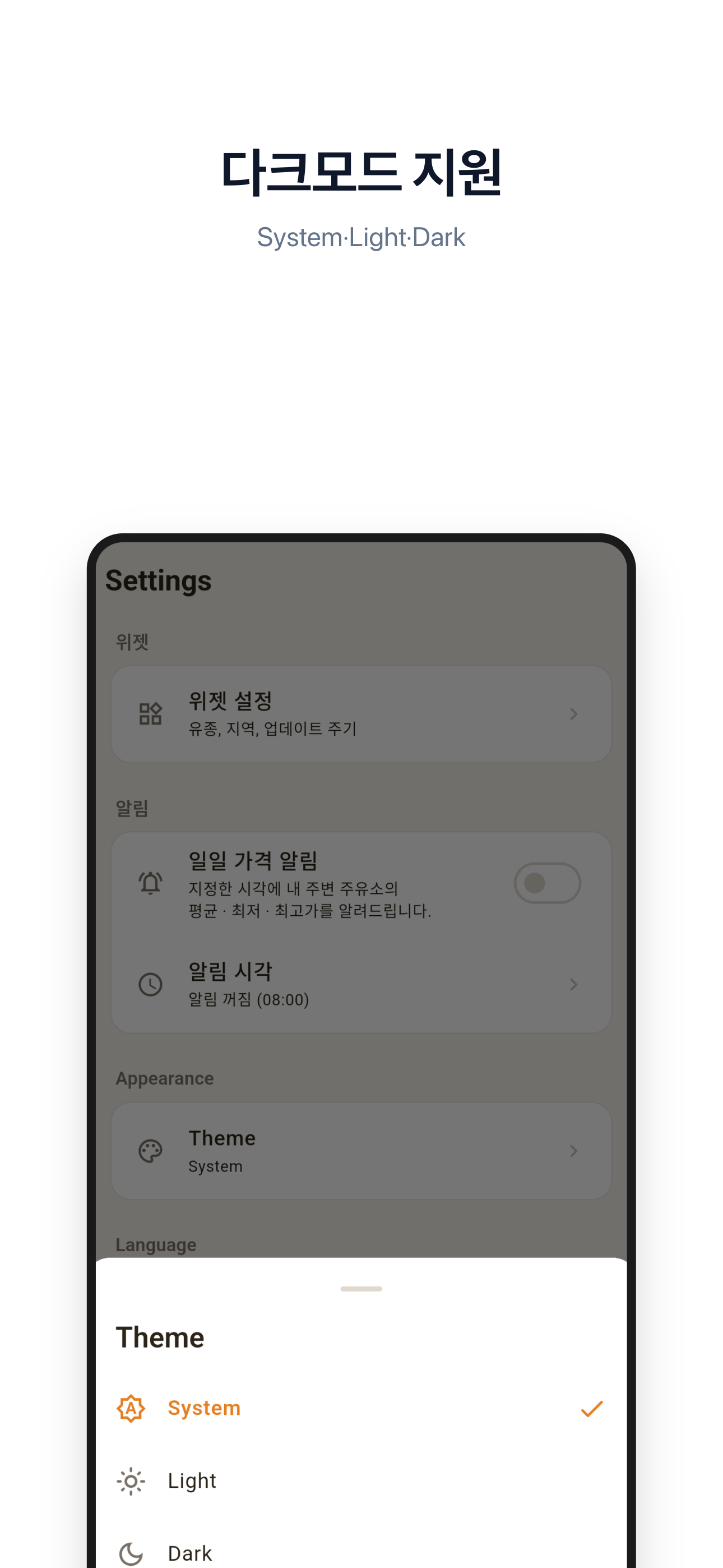
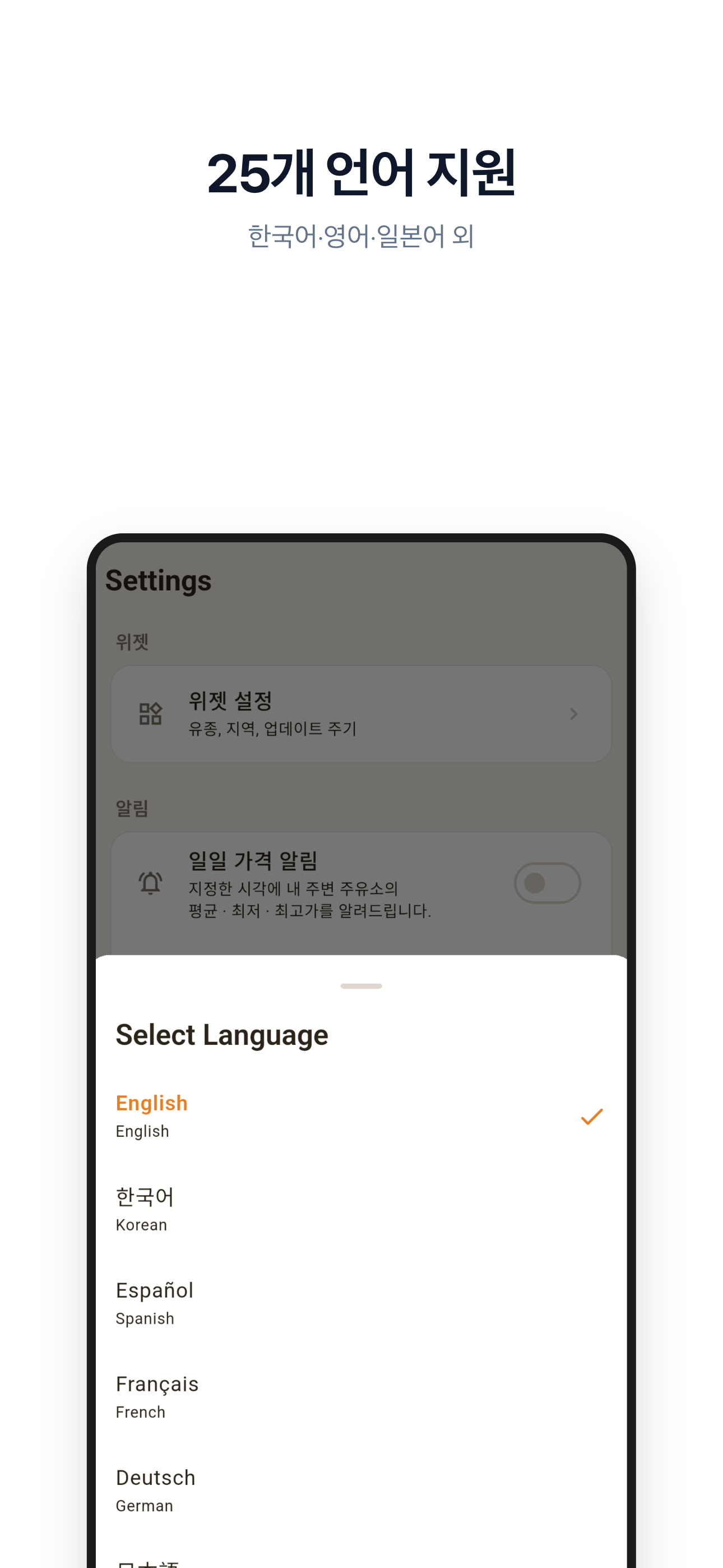
Every time you pull up to the pump, you wonder: am I paying too much right now? OilToday eliminates that daily uncertainty by placing live, government-verified fuel prices directly on your iOS or Android home screen — no app launch, no searching, no stress. Powered by real-time OPINET data refreshed every 30 minutes through a Cloudflare edge server, OilToday delivers accurate gasoline, diesel, LPG, kerosene, and premium fuel prices for your exact area before you ever leave your driveway. Stop overpaying at the pump — let OilToday guide you to the cheapest station in your neighborhood, today and every day.
Key Features
Live Home Screen Widget
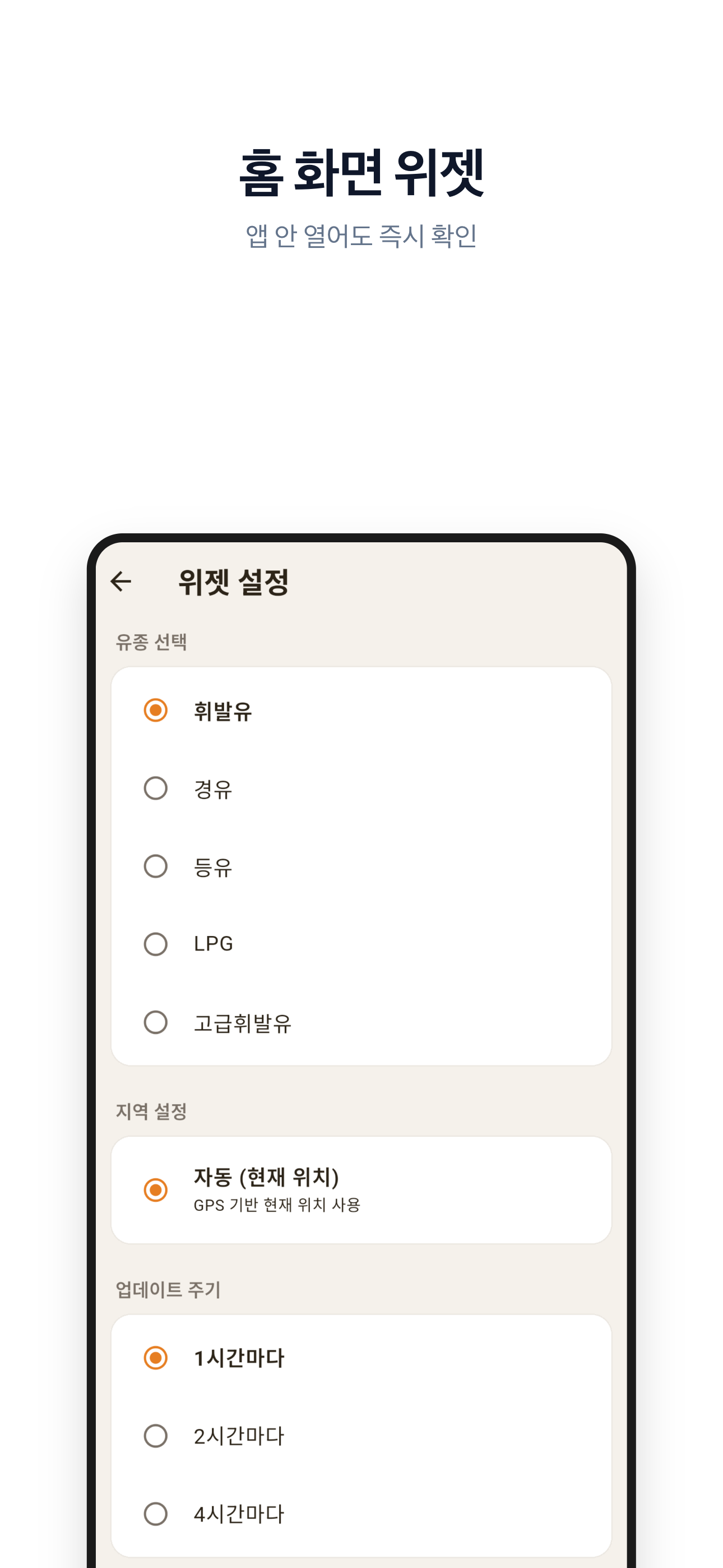
OilToday places today's fuel price directly on your iOS or Android home screen using Apple WidgetKit and Android AppWidget technology, so you can see the current price the instant you unlock your phone. Configure the widget to show the fuel type you care about most, and it silently refreshes in the background throughout the day so the number is always current.
GPS-Powered Cheapest Station Finder
Using your device's GPS, OilToday scans all gas stations within your chosen radius and instantly ranks them by current price, so you can drive to the most affordable option and save money on every single fill-up. The map view — built on OpenStreetMap — pins each nearby station directly on the map with its live price displayed, making it effortless to navigate straight to the cheapest pump.
7-Day Price Trend Chart
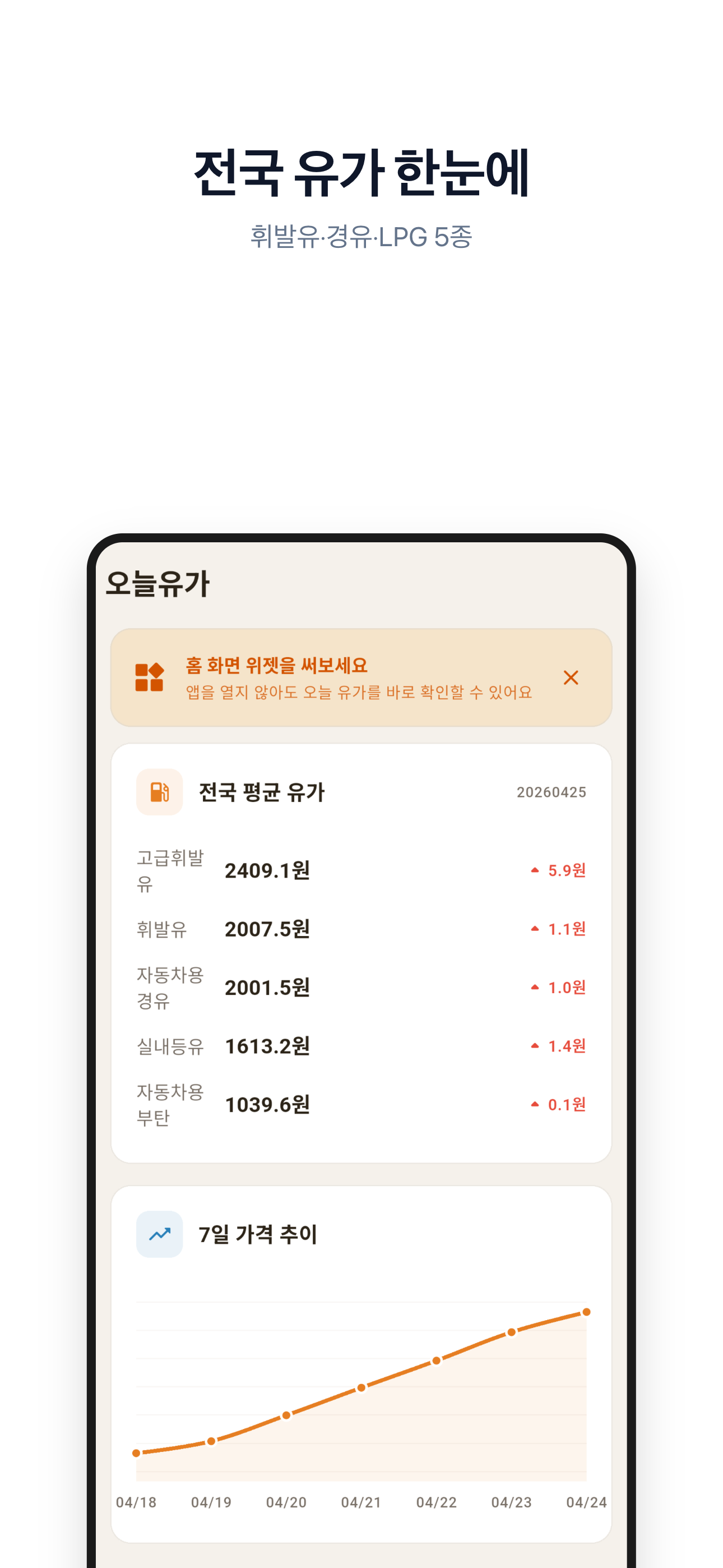
The built-in chart screen renders a full week of historical price data as a smooth, interactive line graph so you can spot pricing patterns and decide whether to fill up today or wait for a dip. Each of the five fuel types has its own trend line, letting you compare weekly movements across gasoline, diesel, LPG, kerosene, and premium in a single view.
Regional Price Comparison
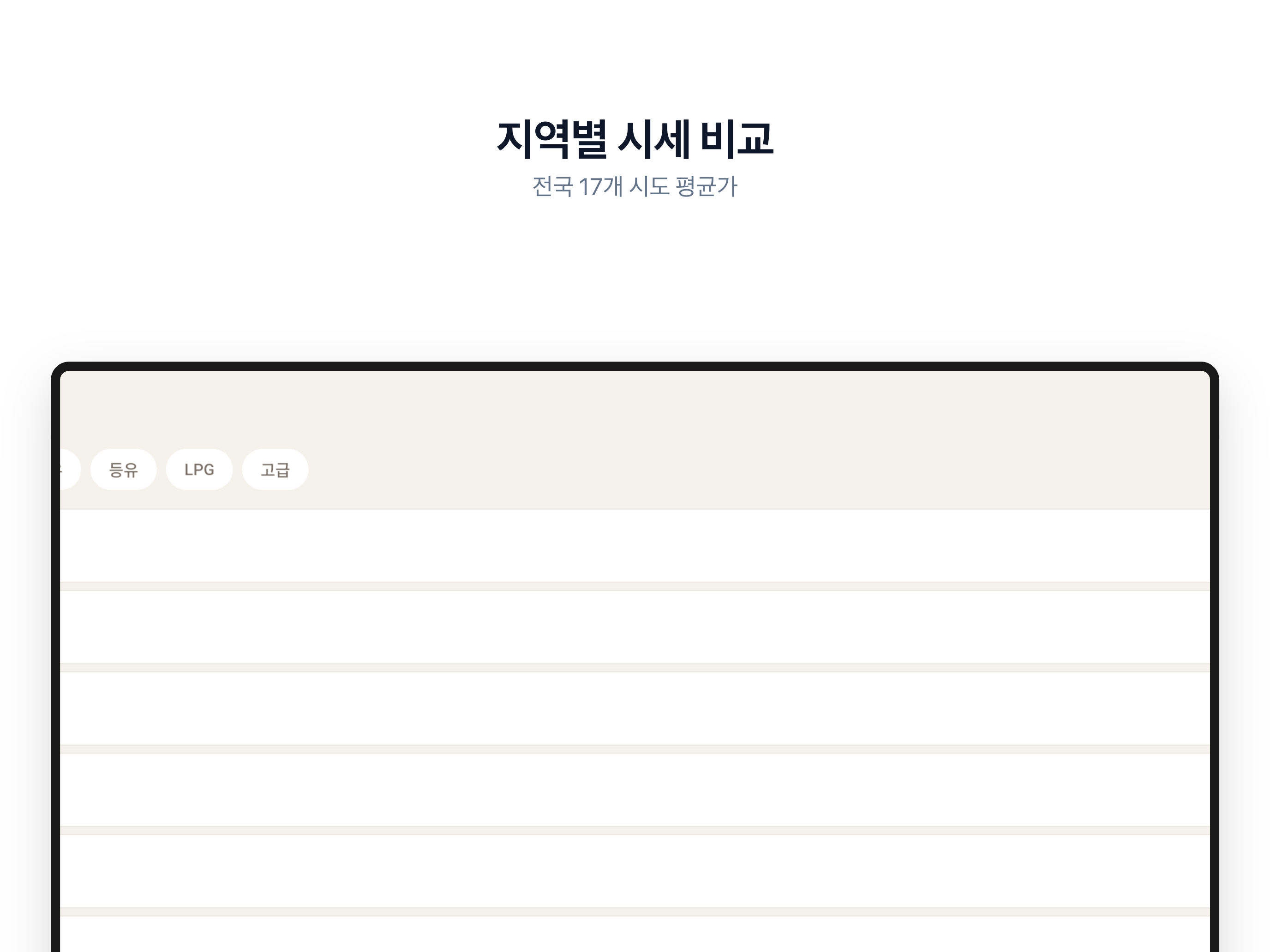
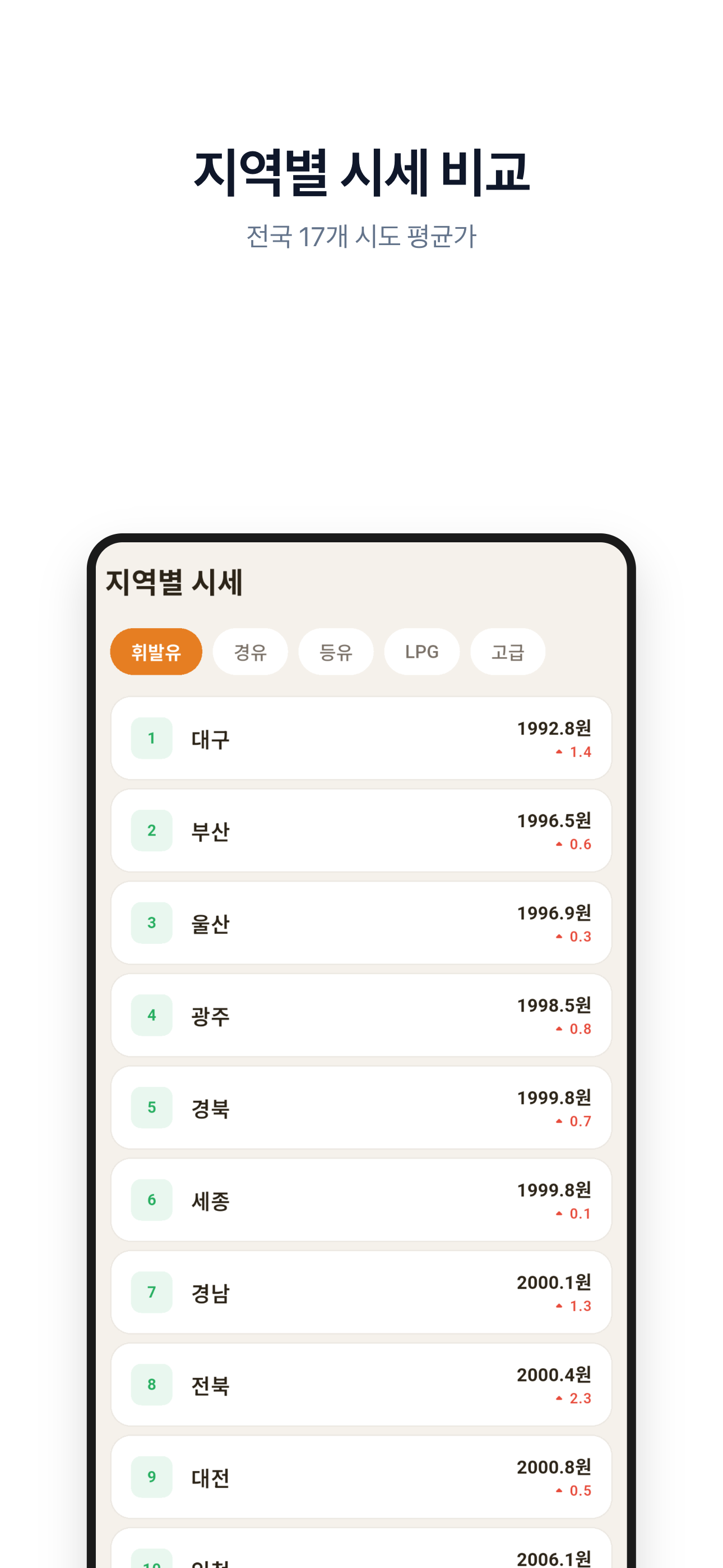
The Region screen pulls provincial and city-level average prices directly from the OPINET national database, letting you compare fuel costs across all of Korea's major administrative regions in a single tap. Whether you're planning a long road trip or simply curious about price disparities across the country, this screen gives you a clear and up-to-date regional breakdown at a glance.
5 Fuel Types Fully Tracked
OilToday tracks all five major fuel categories listed in Korea's official OPINET system: regular gasoline (휘발유), diesel (경유), kerosene (등유), LPG, and premium gasoline (고급휘발유). Switch between fuel types with a single tap anywhere in the app, and your home screen widget updates immediately to reflect the type that matters most to you.
Scheduled Morning Price Alerts
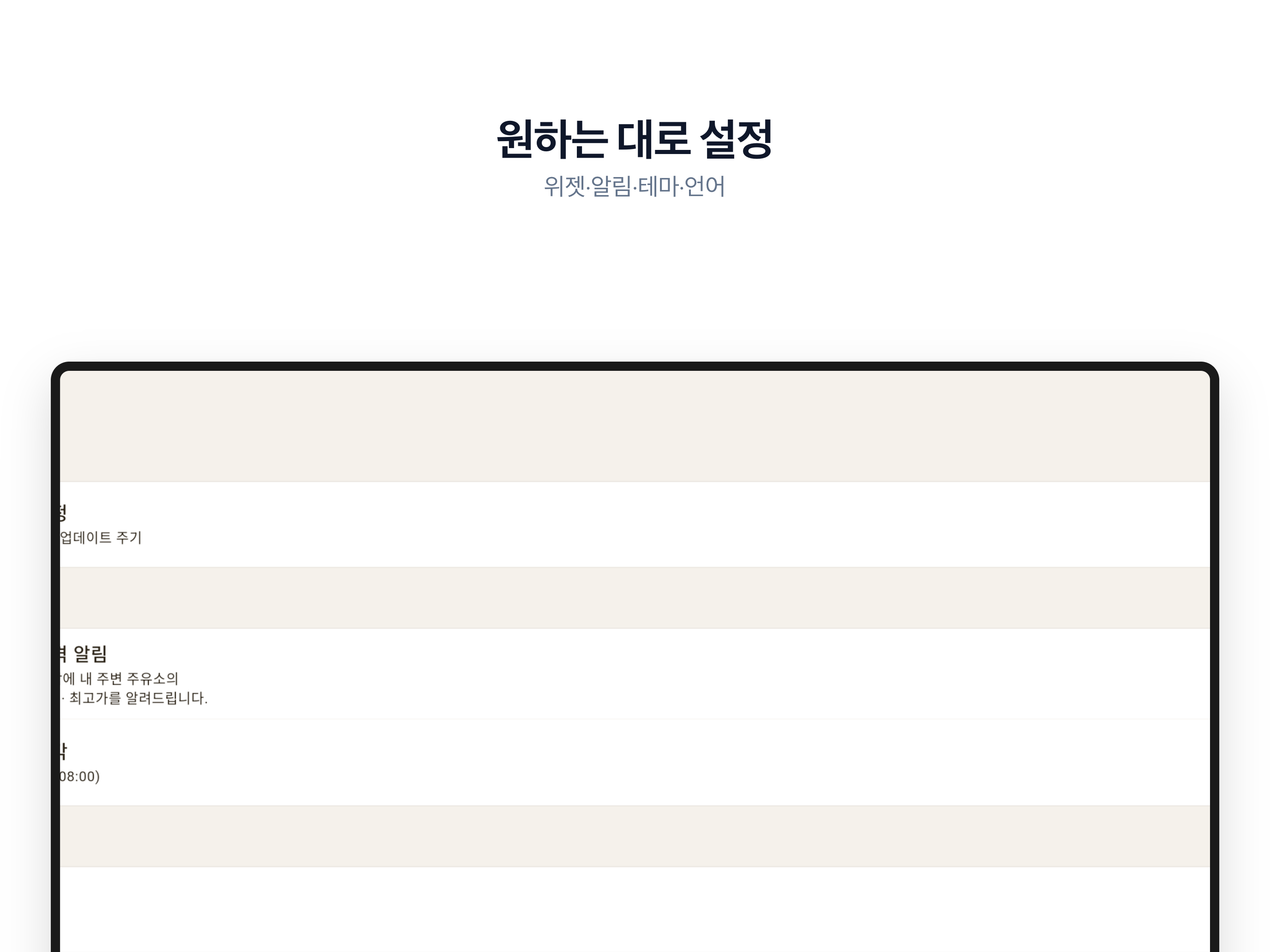
OilToday can deliver a push notification at a time you choose each morning, summarizing the average, lowest, and highest fuel prices in your area so you can plan your refueling strategy before you get behind the wheel. Notifications are powered by on-device local scheduling, meaning they fire reliably even in poor network conditions, keeping you informed no matter what.
Price History Calendar
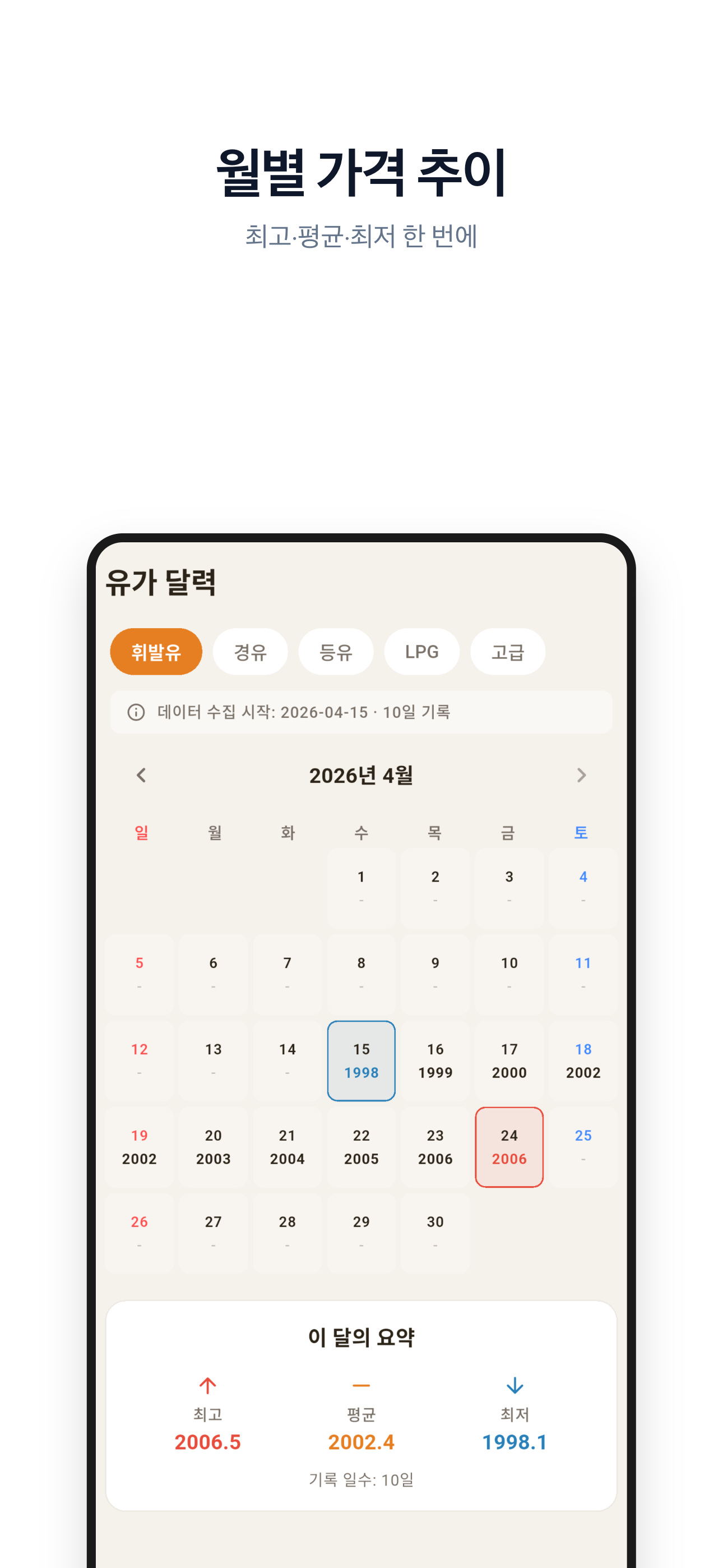
The Calendar screen overlays historical price data onto a monthly calendar view, giving you a visual record of how fuel costs have shifted day by day over time. This long-term perspective makes it easy to identify recurring price patterns — like mid-week dips or weekend spikes — and time your fill-ups to maximize savings.
30-Minute Edge-Cached Data
Behind the scenes, OilToday's Cloudflare Workers server continuously syncs with the official OPINET API every 30 minutes and stores the result in a Turso edge database, so your app always receives fresh, accurate price data with near-zero latency. This architecture ensures reliability even when the upstream government API is temporarily slow or unavailable.
How It Works
1
Open the App and Share Your Location — On first launch, OilToday requests location permission so it can identify gas stations near you using your device's GPS coordinates. Once granted, the app immediately connects to its Cloudflare-backed cache server and surfaces your local average price, the nearest cheapest station on the map, and a full regional overview — all within seconds of opening for the very first time.
2
Configure Your Home Screen Widget — Navigate to the Widget Config screen to choose which fuel type should appear on your home screen widget and select your preferred display style. OilToday then uses WorkManager (Android) or iOS WidgetKit timeline scheduling (iOS) to keep that widget refreshed automatically throughout the day, updating silently in the background without requiring you to open the app or drain your battery.
3
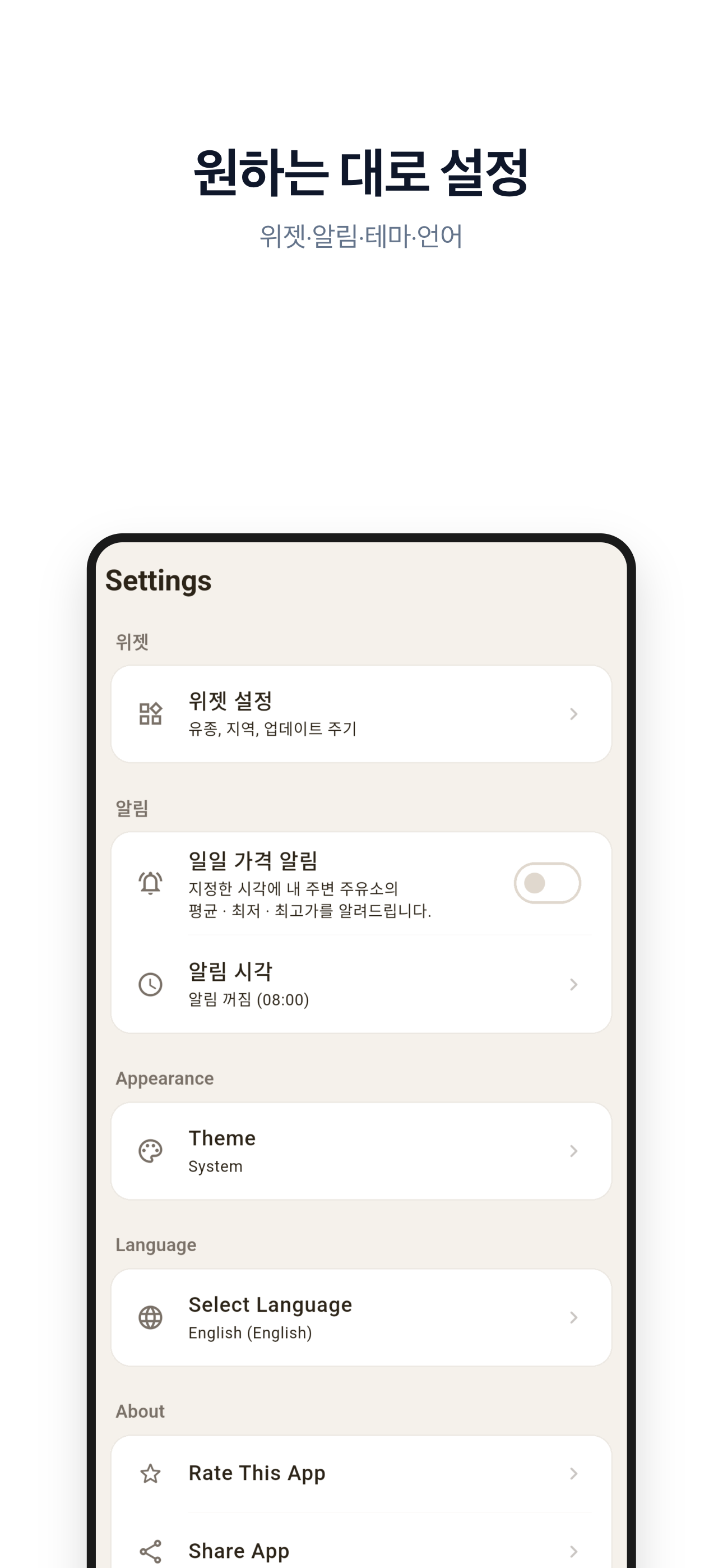
Activate Your Daily Fuel Price Alert — Head to Settings and enable the morning notification, picking the exact time you want your daily price summary delivered. Each morning at your chosen time, OilToday pushes a concise alert showing the nearby average, lowest, and highest fuel prices — giving you everything you need to decide when and where to fill up before you even start your commute.
What Users Say
I drive for a living, so fuel costs make or break my daily earnings. OilToday's home screen widget means I see current gasoline prices the second I unlock my phone each morning, without opening anything. The GPS cheapest station finder on the map has consistently saved me money per fill-up, and across a full month that difference is real. I honestly can't imagine going back to randomly guessing which station to use.
— Kim Dong-hyun, Delivery Driver
The 7-day price chart is more useful than I expected — I noticed that prices in my area tend to soften on Wednesdays, so now I time my fill-ups accordingly and it has become a small but satisfying habit. The regional comparison screen is fantastic before road trips; I check diesel averages across provinces along my route before leaving. Fast, accurate, and genuinely practical — exactly what a utility app should be.
— Park Ji-yeon, Field Sales Representative
I set up the morning price notification for 7:30 AM and it has become part of my daily routine alongside checking the weather. Knowing the nearby average, highest, and lowest fuel prices before I leave the house means I never overpay out of laziness or ignorance anymore. The home screen widget is clean and minimal — my phone's lock screen actually looks better with it on there. Highly recommend to anyone who drives regularly.
— Lee Sung-woo, Daily Commuter
Screenshots
oil pricegas pricefuel pricewidgethome screengas stationprice trackerfuel todayOPINETcheapest gas